When Windows Search can act, fewer clicks are not enough
Action-oriented search may shorten a task, but its real value depends on confirming the outcome and the cost of recovering from mistakes.
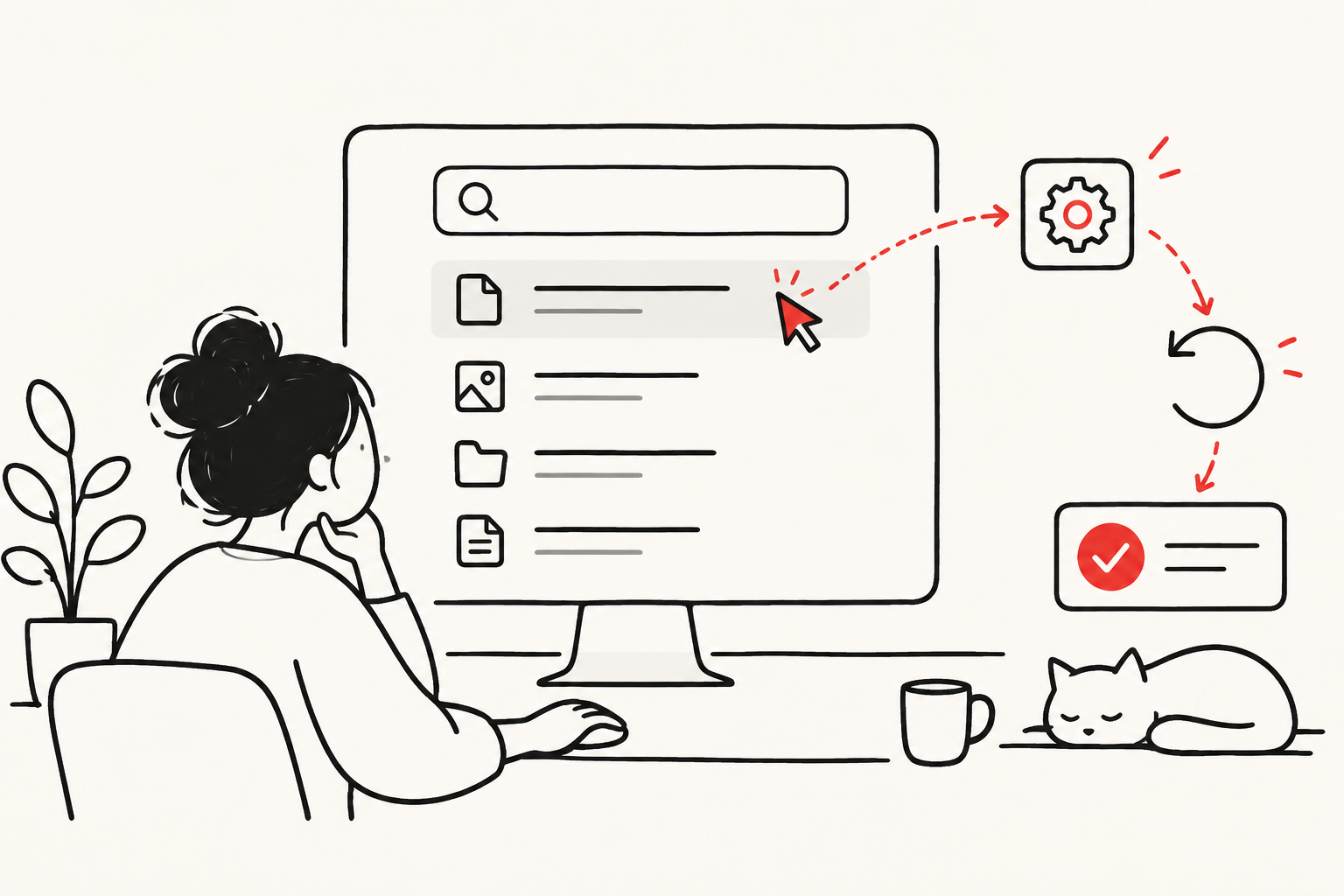
On October 30, 2026, Microsoft announced a Windows Search preview expansion covering direct settings adjustments and connected-phone actions. The announcement points to more than richer results: the search entry point is taking on operations previously reached elsewhere. That may save steps, but evaluating a search can no longer stop at whether it found something useful.
Our argument is that the meaningful unit for action-oriented search is a confirmed task that needs no rework, not a click. The following is a proposal for evaluation and design, not a description of mechanisms Microsoft has implemented or a performance test. The announcement does not supply enough evidence to calculate that net benefit.
Establish the boundary before measuring the benefit
The 26340.9843 release notes describe gradual rollout and warn that preview features might never ship generally. This is neither evidence of identical capabilities across Windows devices nor an announcement that the system can independently handle arbitrary tasks. Microsoft's October 7 introduction had already begun the new search preview; October 30 is an expansion, not the concept's debut.
That distinction changes the appropriate question. At this stage, it is more useful to ask whether an interaction reduces the burden of a particular task than to translate an experiment into economy-wide productivity. An interface that offers actions does not, by itself, reveal its model architecture, autonomy, or reliability under complex intentions. A smarter-looking interface is not evidence of undisclosed technology.
A bad result and a wrong action have different costs
An unsuitable search result often remains a candidate in a list. An operation changes a state: what the user faces next may no longer be the original environment. Bringing an action closer to a query compresses the space available for identifying the target and considering the consequences.
Consider a hypothetical display-setting task. A shortcut that makes the affected environment and current value obvious could usefully remove layers of navigation. If the user has to act first and then investigate what changed, fewer visible steps may simply relocate checking work. This is a test scenario, not an allegation about the Windows preview.
A second hypothetical task is sending information to a contact across devices. Similar names, an unavailable device, or a change of mind can separate finding the action from fulfilling the intention. Opening the right entry point is not completion. Nor is every failure a relevance problem: matching, permission, connection, and execution are different stages. Improving one does not guarantee a proportionate improvement end to end.
Match confirmation to consequences
Confirming every action looks safe; avoiding interruptions looks efficient. Both extremes can miss the point. Repetitive prompts can become mechanical clicking, while eliminating a pause can allow a difficult-to-reverse action too early. More useful distinctions are whether an error is noticeable, recoverable, and consequential beyond the current device.
For a visible, reversible local change, showing the current state and offering direct adjustment may be more useful than a long warning. For an operation affecting others or transmitting information, a final check of the destination and content matters more. This allocates attention by consequence rather than imposing identical friction everywhere. Implementation still needs testing, including with assistive technology, rather than merely counting an experienced user's mouse movements.
Microsoft Research's 2019 interaction guidance emphasizes easy correction and narrowing a service when intent is uncertain. Those principles provide context, not proof that this release meets them. Our additional argument is that confirmation should explain what will happen, not merely ask whether to proceed. Otherwise assent can be formally recorded without establishing understanding of the consequence.
Keep recovery inside the measurement window
A useful test would start with equivalent, explicitly defined tasks: one route uses the established entry point, the other action-oriented search. Timing should end when the user has confirmed the intended state, not when a result is clicked. Reversing an operation, reopening settings, or seeking help should remain part of the fast route's cost. This is an experimental proposal, not an observed result.
Average time should not own the conclusion. Slightly faster routine tasks and occasional expensive rework can produce very different experiences. Measure completion without correction alongside how failed tasks are recovered. Examine familiarity, language, and assistive-technology use separately; smooth performance by experienced testers cannot stand in for everyone.
Task difficulty and software version also belong in the record. If the new route handles only the easiest instructions while the established route absorbs complex cases, the comparison mistakes selection for interface improvement. Conversely, incomplete coverage does not invalidate genuine convenience within a limited scope. Explicit boundaries help identify which gains can be repeated reliably.
A shorter route should not obscure responsibility
The value of action-oriented search may lie less in making users ignore the interface than in presenting necessary information at the right moment. It can remove navigation friction for simple tasks. For ambiguous or consequential ones, a well-placed pause is also a capability.
The October 30 update offers an interaction direction worth following, not a fulfilled promise of universal efficiency. Stronger evidence would show that users achieve defined intentions more consistently while occasional errors remain visible and recoverable. As search moves from returning information to carrying out actions, saved clicks count only when they have not become hidden rework.
Information only. No investment, legal, tax, or financial advice.