RTX Spark needs a deployment test, not just a memory comparison
A compact AI desktop is useful only when the whole workflow fits: applications, memory, routing and recovery.
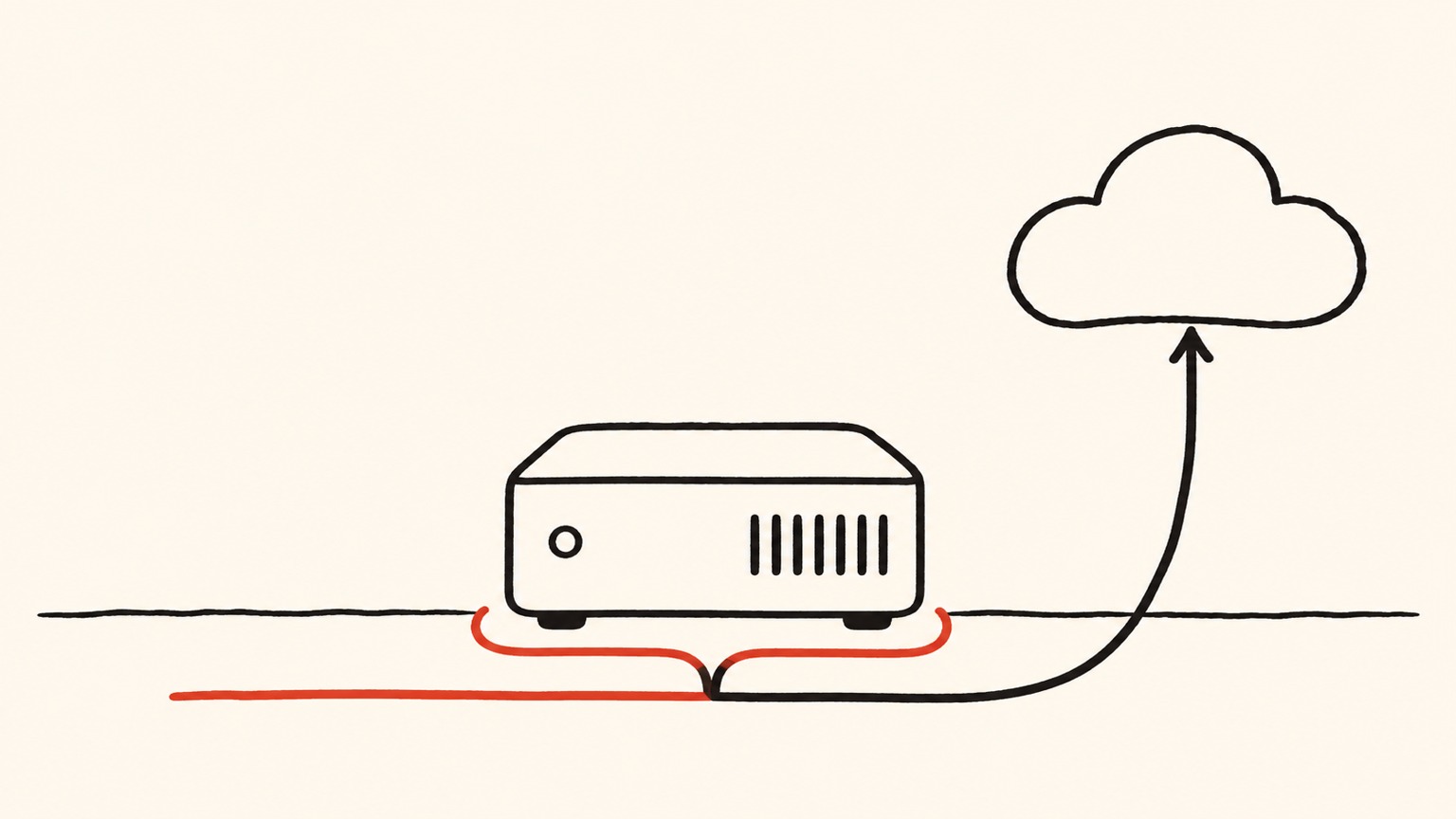
NVIDIA's November 18 announcement puts compact RTX Spark desktops from ASUS, Dell and MSI on sale, with configurations offering up to 128GB of unified memory. That is a launch fact, not a measurement of usable inference capacity. Launch announcement
For a small creative or development team, the useful question is not whether a large model can start. It is whether the workstation can finish a real assignment while its normal applications remain open, within an acceptable deadline and without moving restricted material to an unapproved service. This article proposes an acceptance test, not a hands-on review or a claim that one configuration wins.
Memory is a budget, not a model-size promise
A simple planning equation is: available model space equals installed memory minus the operating system, applications, execution overhead, active-request state and a safety reserve. These terms change during work. Treating the entire advertised capacity as weight storage spends the same resource twice.
TensorRT-LLM documents weights, activations, buffers and KV cache separately: successful engine construction does not establish runtime memory sufficiency. This is a general memory-accounting reference, not confirmation that every documented runtime configuration is supported on RTX Spark. Memory documentation
Consider a purely hypothetical deployment budget: weights occupy 48GB, the OS and creative tools 20GB, and runtime plus active requests 24GB. That totals 92GB before a reserve. It is not a Spark benchmark. Adding a second job, increasing context length or opening another large project can change the result. Quantization may reduce one term while changing output quality; it does not make every other term disappear.
Record cold-start time, time to first usable output, completion time, peak memory and failures. Repeat with the actual image editor, browser and file indexer running. A machine that is comfortable in an isolated demo may be unsuitable for a shared desk.
Compatibility must include the last step
Microsoft documents x86/x64 application emulation on Windows 11 Arm through Prism. That does not establish native performance or certify a complete professional toolchain. Emulation documentation Its Arm FAQ separately requires native Arm64 kernel-mode drivers and user-mode print drivers. Driver requirements
Build an inventory around the work, not software logos: source-file import, required plug-ins, fonts, external devices, export codec, signing or packaging, and handoff to the next person. An application opening successfully is only the first row. Ask a user to reopen the exported artifact on the existing production system. Otherwise, a compatibility gap can be discovered after the expensive generation stage has already finished.
A native application badge should therefore be recorded alongside the exact version, plug-ins and output path tested. Emulation can be perfectly adequate for some tasks; the decision should come from the complete workflow rather than an architectural slogan.
A local machine can still send work to the cloud
Switchyard is NVIDIA's open-source model-routing library; its repository assigns model clients and service operation to the integrator. Routing decisions are not a promise of local-only execution. Project documentation
Its verification-gated routing documentation describes efficient and capable targets, and identifies the serving tier in a response header. That is useful evidence for testing, not a substitute for inspecting every service involved. Routing documentation
Before measuring speed, classify the data. An unpublished customer asset might be local-only; a public product description might permit cloud processing. This rule must constrain the available destinations before a quality judge chooses a model. A difficult task is not permission to export it. Include judging, embeddings, telemetry and tool calls in the data-flow inventory, rather than inspecting only the final answer's model name.
Run three lanes, then deliberately break them
Use the same representative assignments in local-only, cloud-only and policy-constrained hybrid lanes. Hold the acceptance rubric and deadline constant. Include a short task, a long-context task, a multi-application export and several simultaneous jobs. Report task quality, tail latency, cloud usage, reviewer time and recovery effort separately. Do not call lower cloud usage a saving if local rework absorbs it.
Then remove connectivity, make an allowed service unavailable, restart the workstation and interrupt a job halfway through. For restricted data, the expected outcome may be a visible stop rather than successful cloud fallback. For file-writing work, check whether resumption produces duplicate outputs or overwrites a result. These are proposed operational tests, not reports of observed product defects.
The actual operator should sign off, not just procurement. One successful export proves only that combination. After an application, model or plug-in update, retest the critical delivery path. Keeping the test assets and pass criteria is more useful than keeping an attractive benchmark chart.
Buy capacity for an assignment, not an ambition
A dedicated desktop can be evaluated as a predictable worker for recurring, bounded jobs. A hybrid setup is worth testing where external processing is permitted. If essential peripherals or production extensions fail acceptance, keeping the existing workstation and using a separate inference service may be the more useful architecture.
The purchase gate should be a short evidence sheet: tested application versions, maximum verified workload, permitted destinations, recovery behavior and owner. Unified memory creates room for experimentation. Only this evidence establishes how much dependable work the machine can take off somebody's desk.
Information only. No investment, legal, tax, or financial advice.