Hubitos: AI Creation and Social Media Management in One Workspace
Explore Hubitos account and post analysis, trend discovery, content creation, publishing schedules, comments and performance reviews.
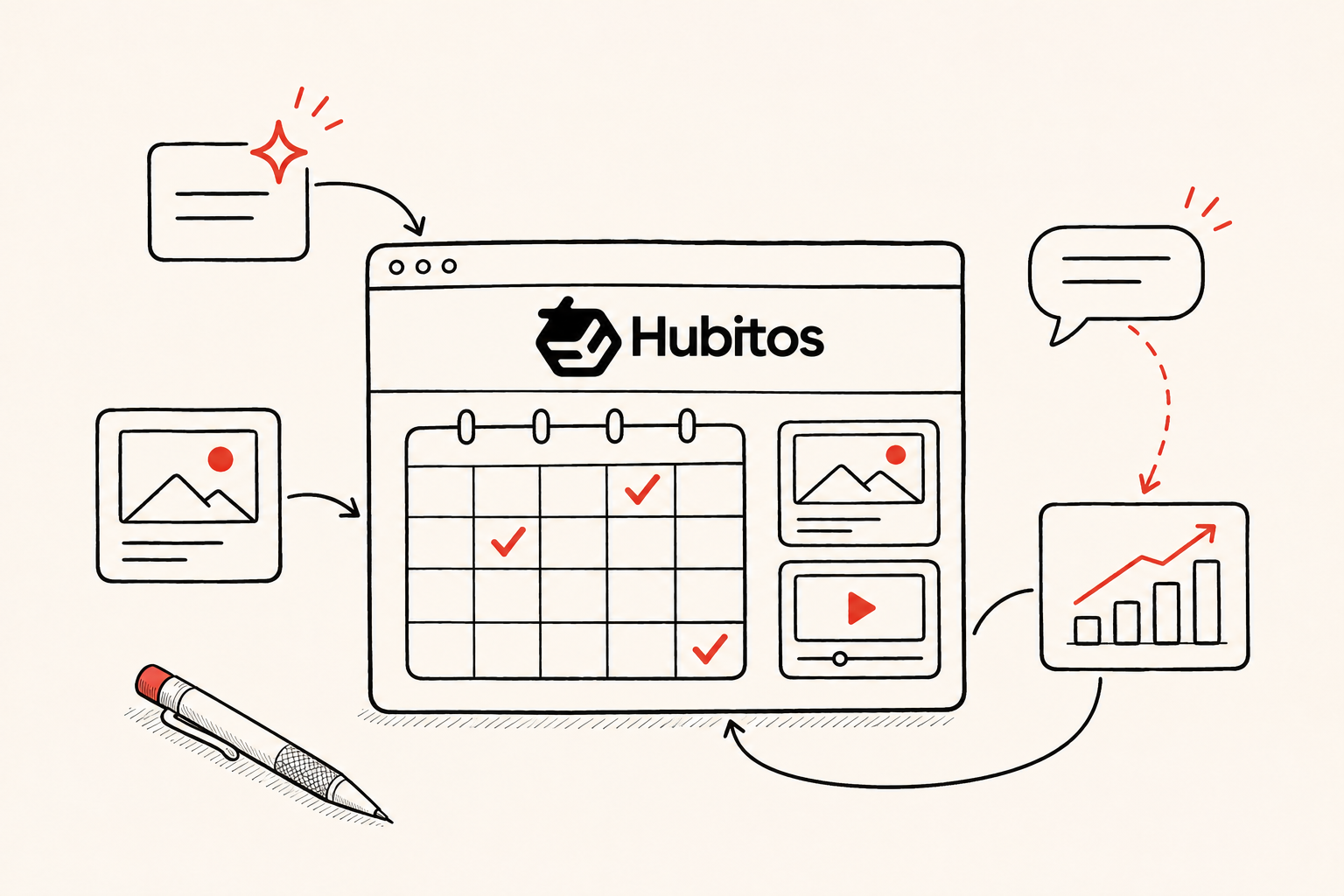
Moving a product video back by one day often means changing more than a date on a calendar. An Instagram teaser that says “see you tomorrow” needs editing. A scheduled TikTok video needs a new time. Overseas accounts need another check against local time zones. Even when the video itself stays exactly as it is, the person publishing it may need to work through several dashboards.
AI content tools and social media management tools have different strengths. For small teams handling both production and operations, moving assets from creation to publication involves plenty of coordination. Hubitos brings these activities into one workspace, with tools for writing copy, creating product images and short videos, managing accounts, scheduling posts, handling comments and reviewing performance.
The Social Hub includes a publishing calendar showing when a post is planned, which account it targets and its current status. When creating a post, users can edit copy, attach images or video and schedule publication. Separate sections handle subsequent engagement and reviews. The features follow the work of making content and running accounts day to day.
Finding topics through accounts and individual posts
Saving a popular post from another brand is easy. Returning to it days later, it can be harder to remember which sentence or shot originally made it interesting.
Hubitos provides two starting points for social analysis.
- Account analysis. Submit a supported public account link to examine its topics, content structure and public engagement. This can help when researching reference accounts for a new account or a change in brand direction.
- Post analysis. Submit a supported individual post link to examine its opening, copy structure and engagement signals. This provides a more focused starting point for improving a video opening or a piece of written content.
Without a reference account in mind, Trend Radar offers discovery by topic, region, platform and time range. In one recorded demonstration, a search for minimalist skincare on TikTok in Vietnam over the previous 30 days returned five sample posts. They could be viewed on a timeline and explored through a relationship graph. Five was the result of that particular query. Sample counts depend on the query and available data.
An editor can return to the original posts and distinguish between simplifying a morning routine and packing fewer skincare bottles for a trip. Both fit the same broad topic but suggest different videos. These samples support editorial judgment. Assessing the wider local market requires broader evidence.
Creating different platform versions from shared material
A photograph of a café’s new drink calls for different treatments across channels. Instagram copy might describe its flavor and launch date. A TikTok script could begin with espresso pouring into iced milk. A Facebook post for nearby residents needs a clear tasting time and shop address.
Hubitos lets these drafts draw on the same background material.
- Several versions from one brief. Provide the AI assistant with the photograph and event details, specify the audience, language and channel, then draft captions, short posts or video scripts. Users can continue revising a particular version in the conversation and add information that needs emphasis.
- Creating and reusing images and video. The workspace includes product image, AI try-on and product video tools. Fashion teams can combine product and model material for try-on images. Video creators can review scripts and storyboards before continuing generation. Existing video has editing, subtitle and translation tools. Originals and finished assets can be stored in the file library and referenced when creating posts.
Generation methods and results depend on the source material, model and selected tool. Keeping useful assets organized also makes them easier to find next month and reduces repeated production work.
Connecting schedules to actual posts
A spreadsheet helps a team agree on its publishing plan. Changing a cell to “Friday” still leaves the scheduled jobs in platform dashboards to be updated.
In Hubitos, the calendar connects to individual posts. After selecting a connected account and preparing the text and media, users can save a draft, publish immediately or schedule publication. Supported platforms, account types and media formats depend on authorization and the publishing interface.
In one product demonstration, a Vietnamese-language X post with a desk photograph was saved as a draft, scheduled and then moved back by a day. The same post retained its image and copy throughout, and the updated schedule was visible in its details. “Scheduled” indicates that a job has been created. Successful delivery must be checked against the platform result after execution.
Time zones matter for teams covering several markets. Eight in the evening in Beijing is seven in Vietnam. Checking the target account, time zone and post status together helps reduce scheduling errors.
Handling comments and collecting ideas
After a new backpack video, three people might ask whether it fits a 16-inch laptop. Each question needs a customer-service reply. Together, they also suggest that a future video should show capacity more clearly.
For supported platforms and appropriately authorized accounts, Hubitos offers a consolidated comment view and AI-generated reply drafts. An operator checks and confirms replies before sending. Fixed information such as opening hours and store locations can be handled together. Compatibility, stock and warranty commitments still require a check against current product information.
Hubitos also provides post-publication automation and execution records. Users can configure tasks using the conditions and actions offered in the interface, then check execution. Available actions and supported platforms vary with the account and plan.
For the backpack brand, those questions can become another video: identify a specific laptop model, put it inside the bag and close the zip on camera. The reply becomes more concrete while also providing a direction for the next piece of content.
Reviewing performance against the purpose of the content
A brand color poster and an installation tutorial may appear in the same week. The poster could attract more views, while the tutorial receives a few detailed setup questions. A report showing only views can overlook the tutorial’s contribution to helping customers.
Hubitos provides performance and review sections where available post data and interaction feedback can inform a closer look at the content. For owned accounts, teams can compare the copy, visuals and comments to decide which approaches to keep. For public reference accounts, social analysis reports help examine how an account develops a topic over successive posts.
Different metrics support different conclusions. Understanding how many orders a post generated requires additional store or landing-page conversion data.
For teams with growing account and content workloads
The scope of comments, automation and reviews depends on platform APIs, account authorization and the selected plan. Current permissions, allowances and task status should be checked in the interface.
A platform’s own dashboard can meet basic needs for someone posting occasionally to a single account. Hubitos becomes more useful as accounts, languages and asset versions multiply. For a small team where one person plans, produces and publishes, finding an asset, revising a post and checking its schedule can happen in the same workspace. After saving changes, checking the recorded time and execution status gives a clearer view of the next publishing steps.
Information only. No investment, legal, tax, or financial advice.