BigQuery previews AI indexes, but new rows may not surface right away
BigQuery’s managed AI indexes search processed rows only. Teams should check when newly loaded records become searchable.
On November 19, Google Cloud announced a preview of AI indexes for BigQuery. Teams can create a managed index over text columns and search by meaning using the existing AI.SEARCH function. Semantic search itself is not new to BigQuery: autonomous embedding generation and vector indexes already offered a route. The preview shifts decisions about the model, index structure and maintenance to BigQuery. That is useful when a team wants to test search against warehouse data without operating those parts itself. Teams that need a particular embedding model or custom vector index settings still have grounds to use the existing approach.
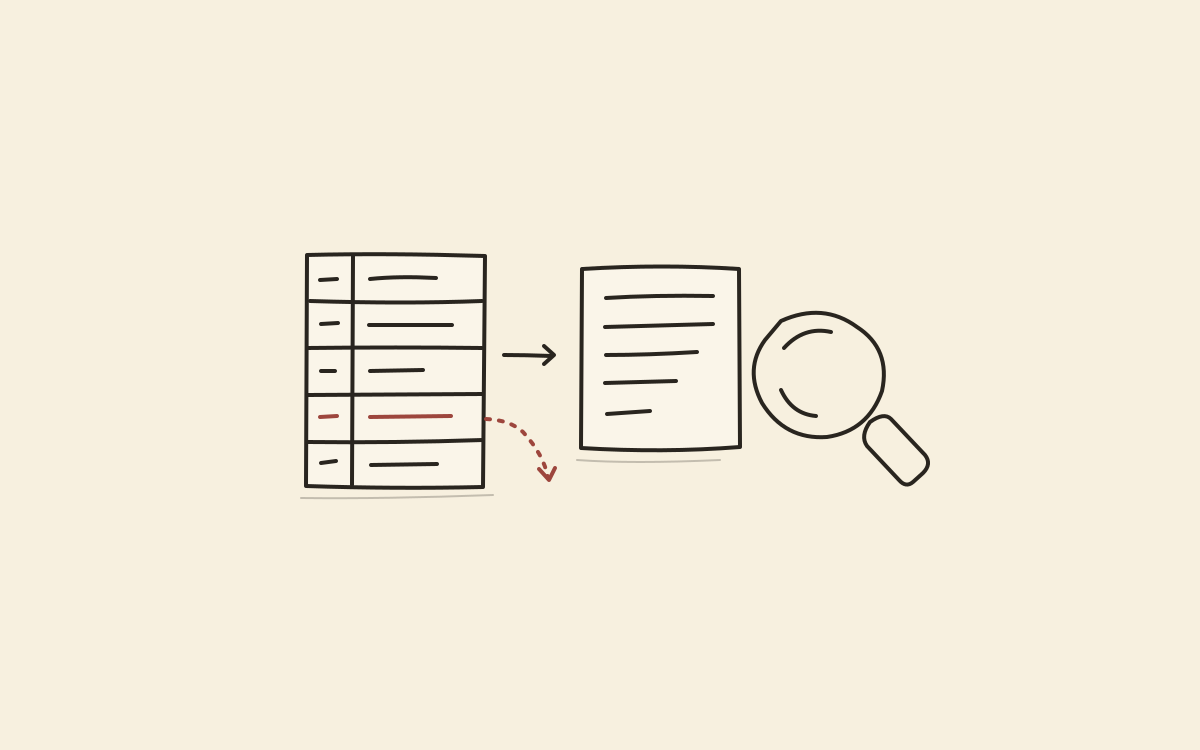
The distinction that matters at launch is between writing a row and finding it. Google says a query using the AI index searches only rows the index has processed. A successful write does not make the batch immediately visible through semantic search, especially during the first build or a large load. The query can still return reasonable-looking matches. A newly added record missing from those results is not necessarily absent from the source table.
Measure freshness where it matters
Imagine a support team stores return rules for several markets in a single table. A batch of policy revisions arrives overnight. In the morning, someone searches for whether an opened gift order can be returned. An old rule may still appear high in the results. Even when nearly all rows are covered, the unindexed ones could be concentrated in the latest batch. The agent needs the rule for the current market and version, not a good-looking percentage for the whole table. If the application treats the first related result as the current rule, a retrieval omission can become a wrong answer. This is a hypothetical acceptance test, not a reported incident or measurement.
The INFORMATION_SCHEMA.AI_INDEXES view exposes approximate row coverage and a count of unindexed rows. Monitor both, then use examples with known answers to verify when the latest batch can actually be found. Record the time a source row was written and the time it first appears as a valid result, and look at the gap by batch or business queue. Coverage measures processing, not ranking. For quality tests, pair a correct current rule with a plausibly similar older one. Check whether the correct record makes it into the first few results and whether the application notices a version conflict. If the data has not passed these checks, say the current answer cannot yet be confirmed. When the rule ID is known, an exact lookup against the source table is a fallback the team can build; it is not a behavior to assume from the index.
Put hard conditions in the query, not in the search wording
A request can have a market, effective date or strict price cap. Those are eligibility criteria. Google documents using a structured pre-filter before ranking text. In the support example, the market and effective date belong in explicit fields; “return after opening” is a reasonable phrase to match across different wording. An opaque rule ID is better handled with exact lookup. Two rules can sound almost identical while applying to different countries.
Choosing fields also matters. Google's documentation says that only part of very long indexed text may be used. URLs, opaque identifiers and machine logs can reduce relevance when mixed with descriptive fields. Start with the title, a concise summary and reviewed exceptions, then compare results with real questions. Test permissions separately. The identity that creates the index and the one that runs the application do not necessarily have the same permissions. Test with the actual runtime identity and verify the tables, rows and fields it should see. Include a negative test under an identity that should not see a record. That is an acceptance check, not a claim that the index bypasses BigQuery permissions.
A managed index still needs an exit plan
There is no extra charge for the creation statement itself, but background processing, embeddings, storage and queries can incur separate charges. The documentation also lists restrictions on table operations such as copying, cloning, taking snapshots and renaming. Where existing workflows depend on them, a team can start with a separate search table, retain its source-table query path, and rehearse what the product should do during an index rebuild. Observe the costs of initial backfill and routine updates separately; a small, static pilot may not represent an actively updated table.
The preview is a chance to test an operational question: after the warehouse takes over maintenance, can the team reliably find the records its own update cycle requires? Verify that the latest eligible records can be retrieved, and then judge how well they rank. Workflows that depend on current terms need both checks.
BigQuery November 19 release notes · Using AI indexes · AI_INDEXES metadata · AI index limitations and pricing
AI Q&A
If a new rule doesn’t appear in search, is it missing from the source table?
Not necessarily. When AI.SEARCH uses an AI index, it only searches indexed rows. Check the source table by rule ID or import batch, then use a known test case to see when the rule appears in search.
Is nearly 100% coverage enough for customer support?
Check approximate coverage and the unindexed row count in INFORMATION_SCHEMA.AI_INDEXES. Test the latest rule against a similarly worded old one, checking retrieval and ranking separately.
How can a search avoid returns policies from the wrong market?
Use WHERE in a subquery to filter by market and effective date before semantic search. If you know the rule ID, use an exact match.
Information only. No investment, legal, tax, or financial advice.